

This section allows you to view all posts made by this member. Note that you can only see posts made in areas you currently have access to.
Pages1
#1
Portraits, Menus, (etc...) / Re: [HD] Smash 4 CSPs & Battle Portraits
April 04, 2014, 09:36:48 PM #2
General Hacking Discussion / Re: Brawl HD Retexture Project (PAL|NTSC|P:M) | V.3.1a [Dolphin only]
January 08, 2013, 01:41:13 PM
I don't think that is possible.
Update 3.1a
Log :
Update 3.1a
Log :
Sorry but you are not allowed to view spoiler contents.
#3
General Hacking Discussion / Re: Brawl HD Retexture Project (PAL|NTSC|P:M) | V.0.3 [Dolphin only]
August 19, 2012, 11:16:19 AM
Two months and 1 week later.
o 08/10/2012 : V 0.3 Changes
Before and after comparisons :


o 08/10/2012 : V 0.3 Changes
- - NEW : High-Res HOME Menu available for PAL and NTSC-U (en, it, fr, es, du)
- - Straps Loader : you can choose between white or black Wii Remote
- - New Battle Portraits (BP) : Marth (White), Ganondorf (Green), Snake (White), Game and Watch (Cyan), Diddy Kong (Pink)
- - Stage Selection Screen (SSS) : COMPLETED (PAL : some textures are not done yet)
- - Menu | Replays : Added stages banners and various stuff
- - Menu | Rules | Stages : Added stages banners and icons
- - Custom Font [EXPERIMENTAL]
Before and after comparisons :
#4
General Hacking Discussion / Re: Brawl HD Project Pack (PAL|NTSC|P:M) | V.0.2b [Dolphin only]
June 01, 2012, 10:11:21 PM
Ah, I forgot to mention that in the readme.
First of all, the names of the file :
White Link CSP
- PAL : RSBP01_888999f8_9.png
- NTSC : RSBE01_888999f8_9.png
And in the first post, I will add a little tutorial on replacing textures by new ones. That should help you for future replacements.
EDIT : Done.
First of all, the names of the file :
White Link CSP
- PAL : RSBP01_888999f8_9.png
- NTSC : RSBE01_888999f8_9.png
And in the first post, I will add a little tutorial on replacing textures by new ones. That should help you for future replacements.
EDIT : Done.
#5
General Hacking Discussion / Re: Brawl HD Project Pack (PAL|NTSC|P:M) | V.0.2b [Dolphin only]
May 30, 2012, 05:49:46 PM
Hello there, it's been a while !
A new update is available, I encourage you to download it to update textures =p
The title screen is almost complete, the Stage Selection Screen is on the right track, a few battle portraits and textures are added.
And the highlight of this update is the compatibility with Project:M.
Finally, I have reorganized the first post with new screenshots/videos.
Enjoy (or not :p)
A new update is available, I encourage you to download it to update textures =p
The title screen is almost complete, the Stage Selection Screen is on the right track, a few battle portraits and textures are added.
And the highlight of this update is the compatibility with Project:M.
Finally, I have reorganized the first post with new screenshots/videos.
Enjoy (or not :p)
#6
General Hacking Discussion / Re: Brawl HD Retexture Project | Pack 0.2 [Dolphin Emulator only]
May 04, 2012, 06:14:57 PM
MarioDK > Exactly, everything is explained in the readme, and no need to replace files in your back-up.
The maximum size as i know is 2000x2000, and for all texture types. But for BPs, it's kinda useless x)
The maximum size as i know is 2000x2000, and for all texture types. But for BPs, it's kinda useless x)
#7
General Hacking Discussion / Brawl HD Retexture Project (PAL|NTSC|P:M) | V.3.1a [Dolphin only]
May 04, 2012, 05:18:56 PM
VERSION 3.1a NOW AVAILABLE
Hello KC-MM people.
Welcome to this big project I have been working on since November. I have decided now to make this thread to share the project with you ;D.
The purpose of the project is to retexture the game entirely, with High-res images, for a better looking game on Dolphin emulator. Yeah, unfortunately, this project is only intended for people using the Dolphin emulator, and not for Wii, obviously.
Actually, I made over one thousand textures yet (for the PAL version, cause there are 5 languages), and I'll not stop now. Many updates will come when new textures will be created.
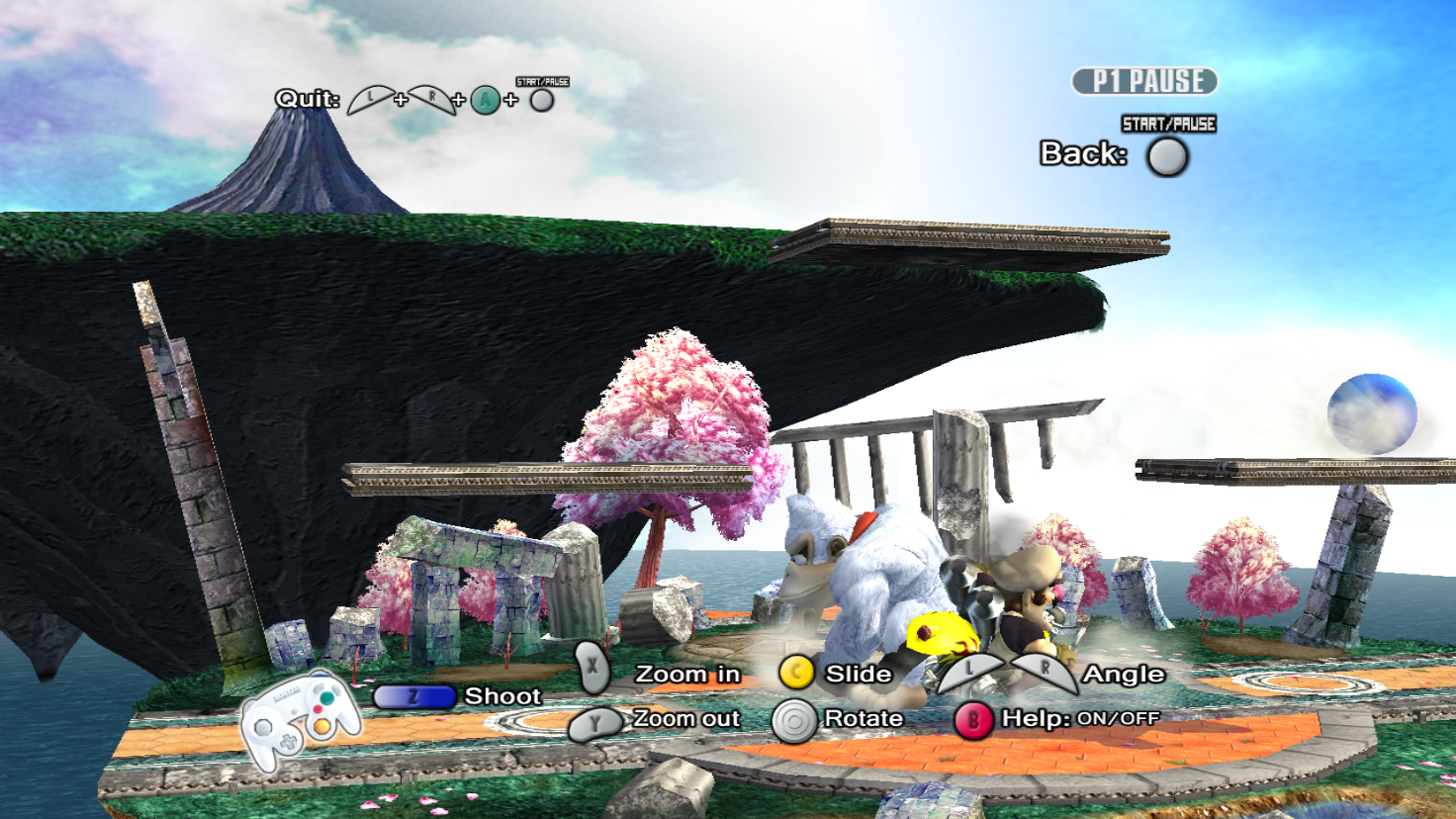
Here are some screenshots (1680x944px) showing the stuff I made, new fonts, CSS, Battle portrites, recolors, percentages, timer, menu ... and more, in High-Definition. The textures on stages, characters, etc ... are an other step of the project I'm not planning to do in a near future :)
Basic instructions :
- Place your chosen pack in "Dolphin folder"/User/Load/Textures/*
- Go to your Graphics settings, on the "Hacks" tab, check the "Texture Cache" and put the slider on "Fast"
- Always in the Graphics settings, on the "Advanced" tab, check "Load Custom Textures"
Start playing !
* RSBE01 (for NTSC-US version), RSBP01 (for PAL version) or OSGK00 (for P:M edition)
Configuration :
- Only works on Dolphin 3.5 or higher version
- Accuracy : Fast [Graphics=>Hacks=>Texture Cache]
- Fast Mipmaps : Enabled
Super Smash Bros. Brawl :
- Screenshots (1680*944)




- Videos
Project:M :
- Screenshots (1680*944)


- Videos
[/list]
News :
08/19/2012 : 0.3 now available (over 400 new textures)
05/30/2012 : Project:M version included ! (tested on P:M v2.1)
Known issues : (you found an issue ? Report it !)
- P:M | Dolphin crashed when using High-Res CSPs (no particular reason)
You wanna try ? , so download the pack by clicking on the button just below !
DOWNLOAD NOW!

Please, follow the instructions in the Readme.txt inside of the RAR file, it's quite important to install correctly. With this, you can play in HD, and record your stuff and others matches from tournaments for example, with great quality textures.
___________________________________________________
How to replace original textures by new/custom ones in Dolphin ?
Yeah, that sounds interesting this project, but you too can replace original textures of the game by custom ones you made ! It's pretty simple.
For example, I should like to change the CSP of White Peach !
- During gameplay, go to the CSS and highlight the desired texture. In the main Dolphin window, go to Graphics.
- In the Advanced tab, you should see "Dump Textures", check it ! And close the window.
- The game will freeze for a second (or more), that means Dolphin currently dumps the textures on the screen.
- The textures are dumped by default in the folder path : "Dolphin folder"/User/Dump/Textures/*²"Game ID"/
- Looking for the CSP of White Peach in the folder, copy its name and paste to your custom one.
- Put your custom texture in : ""Dolphin folder"/User/Load/Textures/*²"Game ID"/
- Uncheck "Dump Textures" in Graphics>Advanced tab to see the result.
Enjoy !
*² RSBE01 (for NTSC-US version), RSBP01 (for PAL version) or OSGK00 (for P:M edition)
Maximum dimensions : 2048x2048px ....
______________________________________________________
For people who are interested and wish to contribute to this project, know that I would accept any foreign help, this will contribute to a smooth progress and fast development. Of course, your names will be mentionned in the credits.
Don't hesitate to ask questions if you have any problems with this project.
And remember : Asking questions for downloading Brawl = BAN !
Pages1