Menu

Show posts

This section allows you to view all posts made by this member. Note that you can only see posts made in areas you currently have access to.

Show posts Menu

Messages - alexhall

#1
Quote from: alexhall on November 12, 2011, 03:29:54 PM
I'm having a problem when importing brawl characters .dae to 3ds max.

I export the model I want as a .dae, then I select "Import" in 3ds max and set the configurations as you can see in the pic:
Sorry but you are not allowed to view spoiler contents.


3ds max imports the model, shows me the usual error window, and when I close it, I encounter this:
Sorry but you are not allowed to view spoiler contents.


The model is all buggered up and the skelleton doesn't show as it should: The right foot is always away from the rest of the model and such things.

I'm using 3DS max 2010, and afaik, the dae importer that comes with it works :/

This is the result I have when importing a DAE exported in brawlbox 0.65, so that doesn't work for either Lion or me :/
#2
Model Imports / Re: Lion imports, UCHUU KITAAAAA
December 15, 2011, 11:40:02 AM
Kamen Riders, Kamen Riders everywhere.

Buenni buenni, good job. My favourite is Fourze and I think I'm going to download it :af:
Sorry but you are not allowed to view spoiler contents.
#3
If this solves solves the shading problem on my model imports, I think I will cry tears of joy... and I'll love you 4 evah.
#4
Quote from: alexhall on December 03, 2011, 05:11:30 PM
The model "doesn't" have eyes. I mean, it has, but the textures don't apply to them.

You should ask yourselves why did I leave the goggles on before complaining about it :>.>:

PS: Thanks for the comments, everyone :3

The eyes polygons are there, but ingame they are like an emerald texture or something like that, when you move the camera, the textures change and that stuff.
#5
The model "doesn't" have eyes. I mean, it has, but the textures don't apply to them.

You should ask yourselves why did I leave the goggles on before complaining about it :>.>:

PS: Thanks for the comments, everyone :3
#6
Why isn't this tutorial finished yet?
#7
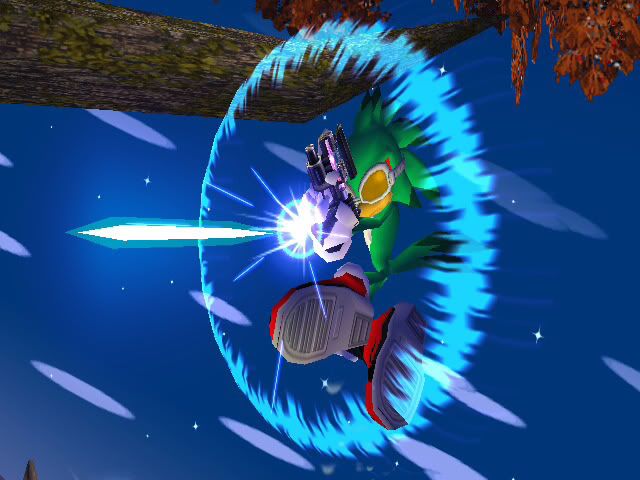
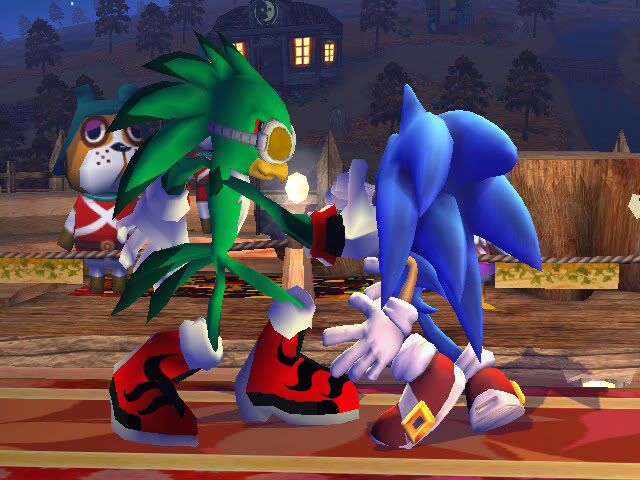
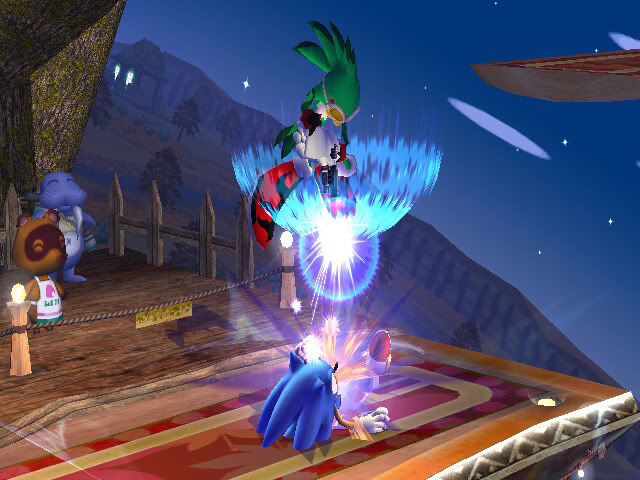
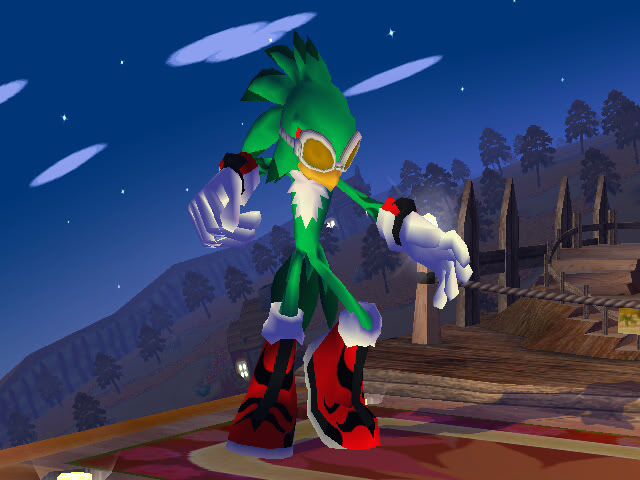
Jet the Hawk  :falco:

#8
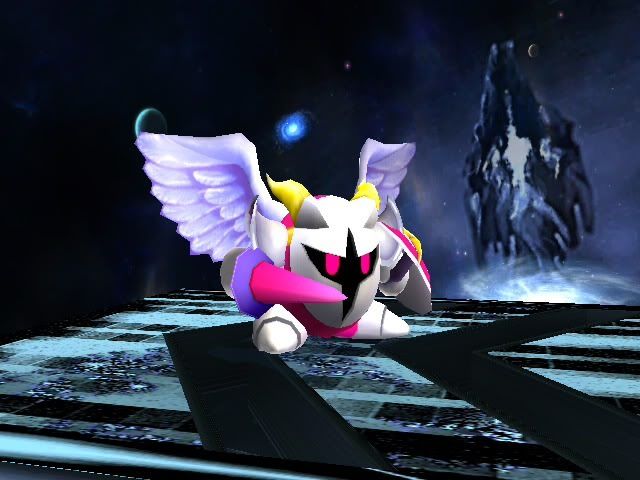
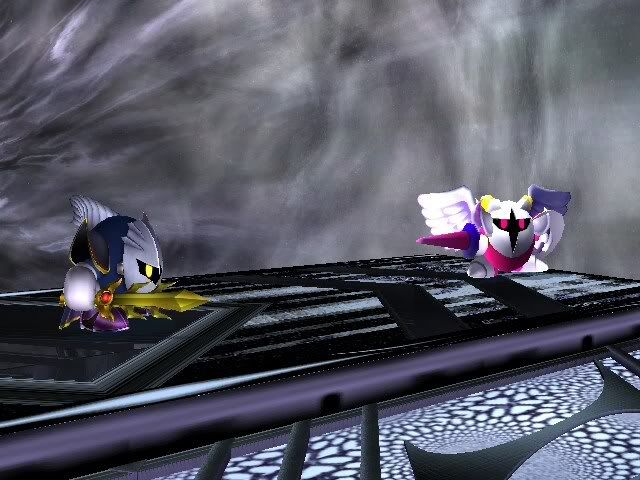
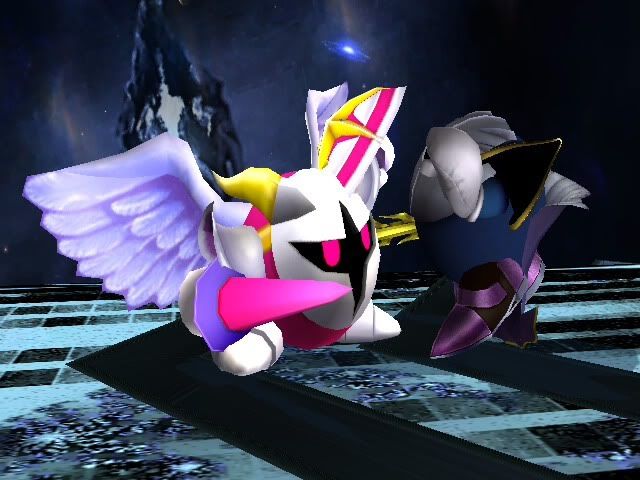
Galacta Knight  :mk:

EDIT: Cape no longer apperas thanks to _Data_Drain_, so if you downloaded before 12/1, redownload.


Jet the Hawk  :falco:


Planned models to import:

-Abu (Aladdin/Kingdom Hearts)  :diddy:
-Asuka Langley (Evangelion) :zsuit:
-EVA 01 (Evangelion) :snake:
-Jack Skellington (Nightmare Before Christmas)  :ganon:
-Rei Ayanami (Evangelion) :zsuit:
-Riki (Xenoblade)  :jiggly:
-Shulk (Xenoblade) :marth:

Currently working on... maybe Asuka Langley (Evangelion) :zsuit: or Jack Skellington[/color] (Nightmare Before Christmas)  :ganon:

PS: Okay, I know someone (don't remember who that was right now) was going to import Shulk because it was requested or something. If that person imports him holding the Monado on Marth and the tip of the Monado is at the same point as Marth's sword tip is (so competitive players wont cry about hitboxes and range and such rubbish), then I won't import him myself. Otherwise, I'll import Shulk over Marth by myself.
#10
Quote from: Ikuto on November 21, 2011, 03:58:22 AM
falcon shouldn't be meelle falcon. It should be ultimate Gohan.
lol no
#11
I'm having a problem when importing brawl characters .dae to 3ds max.

I export the model I want as a .dae, then I select "Import" in 3ds max and set the configurations as you can see in the pic:
Sorry but you are not allowed to view spoiler contents.


3ds max imports the model, shows me the usual error window, and when I close it, I encounter this:
Sorry but you are not allowed to view spoiler contents.


The model is all buggered up and the skelleton doesn't show as it should: The right foot is always away from the rest of the model and such things.

I'm using 3DS max 2010, and afaik, the dae importer that comes with it works :/
#12
I think it would be useful if you could replace the model viewer background with an image, just like it does now with a single colour, but sticking a pic you could use as a reference for an animation or a part of a stage or anything like that, but I'm not sure if it could be done.
#13
Quote from: Quanno on October 10, 2010, 09:04:42 PM
I can't seem to make this right... I have the same problem as MarioKart, with Marth's right leg, but double patching doesn't seem to fix it. I have this problem for about a month right now. How'd you fix that??

I have the same problem. For things like heads or other things that don't involve arms or legs, I can get them to brawlbox with no errors, but when it comes to exporting arms, legs, feet or hands, the right part of the model (left part if the model is facing towards us), gets messed up, like in the videos, so I "double patch" and it gets even worse ._.

Anyone knows how to solve it? D:
#14
Vertex Tutorials / Re: Vertex Hacking: Advanced Techniques
September 08, 2010, 10:19:22 PM
Has anyone tried to modify Meta Knight's wings? When I edit them and do all the stuff before previewing them on brawlbox, there's a mess instead of what I did when I preview them. And I'm sure I did it all right :/

Could it be I'm doing something wrong or are MK's wings just f*cking b*stards?
#15
Cool vertex hack :af:

PD: ¿De donde eres? Supongo que me entenderás, porque poniendo "o algo así" en el titulo me dice que sabes al menos un poco de Español XD